
AI credits
Every AI feature in Publiz runs on credits. One meter, one balance, no separate AI subscription and no per-feature add-ons to remember. Asking AI to rewrite a caption spends credits, so does a carousel or a featured image for an idea.
Where credits come from
Section titled “Where credits come from”Credits reach your balance two ways.
Your plan. Active subscriptions get a credit grant each billing cycle. It resets every cycle and doesn’t roll over, so unused plan credits don’t pile up.
Top-ups. Buy more whenever you want. Top-up credits don’t reset with the cycle, they sit in your balance until you spend them.
Publiz spends your plan allowance first and only touches purchased credits after that, which means you’re not accidentally burning the ones you paid extra for while the free monthly batch sits there.
Credits belong to you, not a workspace
Section titled “Credits belong to you, not a workspace”The balance lives with your account, so it’s shared across every workspace you own. That’s the right default for most people: one pot, spend it wherever the work is that week.
If you’d rather cap what a particular workspace can use, allocations let you earmark a slice of the pool for it. A client workspace gets a fixed number of credits, the rest of the pool stays out of reach, and you can move credits back whenever you want.
What spends them
Section titled “What spends them”Anything that runs a model, roughly in order of how much they cost:
- Rewriting or improving a caption, and generating post ideas, are the cheap ones. Writing with a persona adds a little, since your style notes and examples go along with the request.
- Carousels and featured images cost more, and the higher quality settings cost more than the standard ones.
You always see the cost before you commit. The composer and each AI tool show a live estimate next to the button, so nothing runs without you seeing the number first.
Reading your balance
Section titled “Reading your balance”The credit chip in the header is the quick version: how many credits you have and, if you’ve topped up, when they’re valid until. Click it for the breakdown between plan credits and purchased ones.
The AI credits page has the full picture, including two numbers worth understanding:
Available is what you can spend right now.
Reserved is credits held by jobs that are still running. Publiz sets them aside when a job starts and settles up when it finishes, so two big jobs launched at once can’t overspend your balance. They come back on their own if a job fails.
The credits report
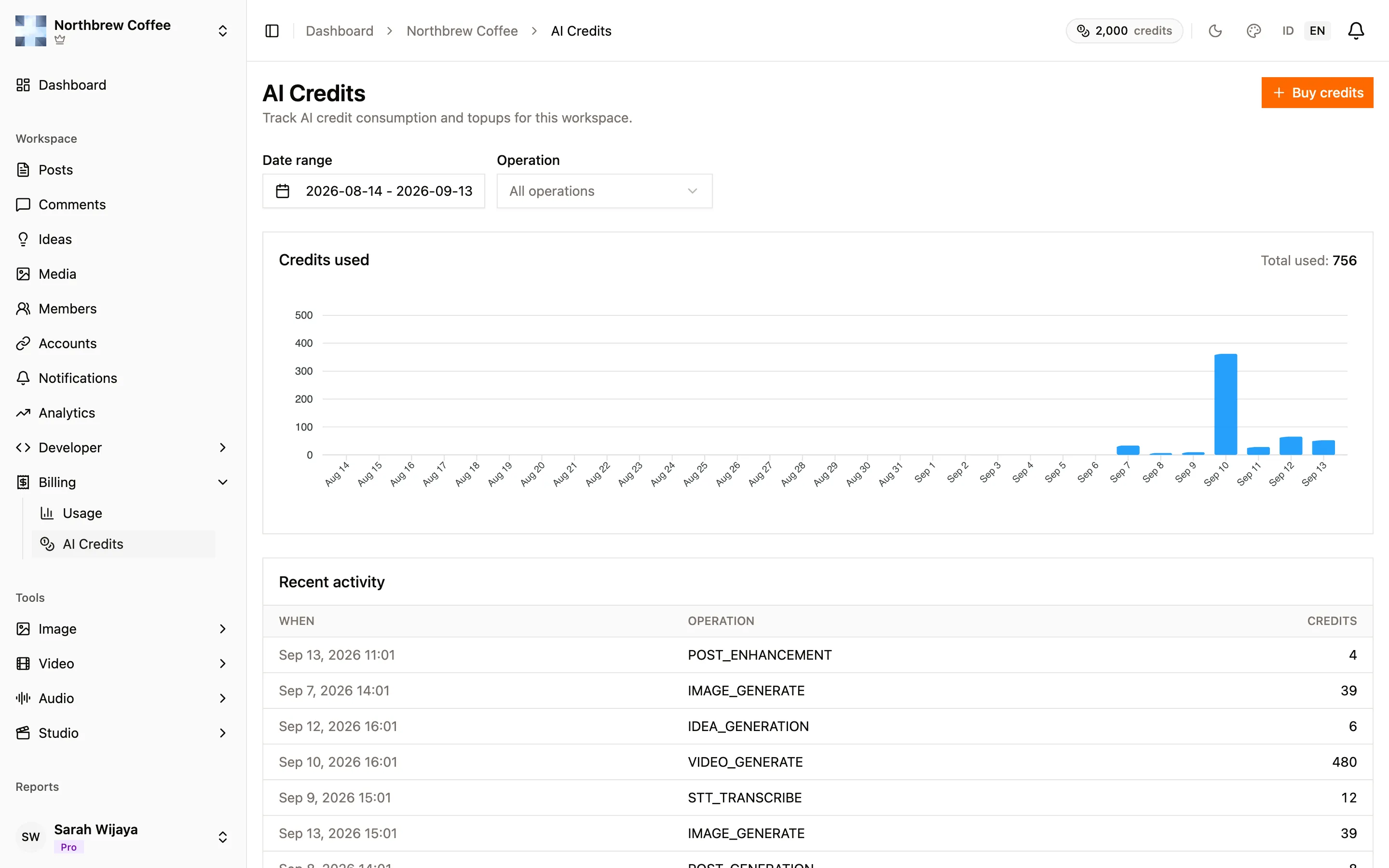
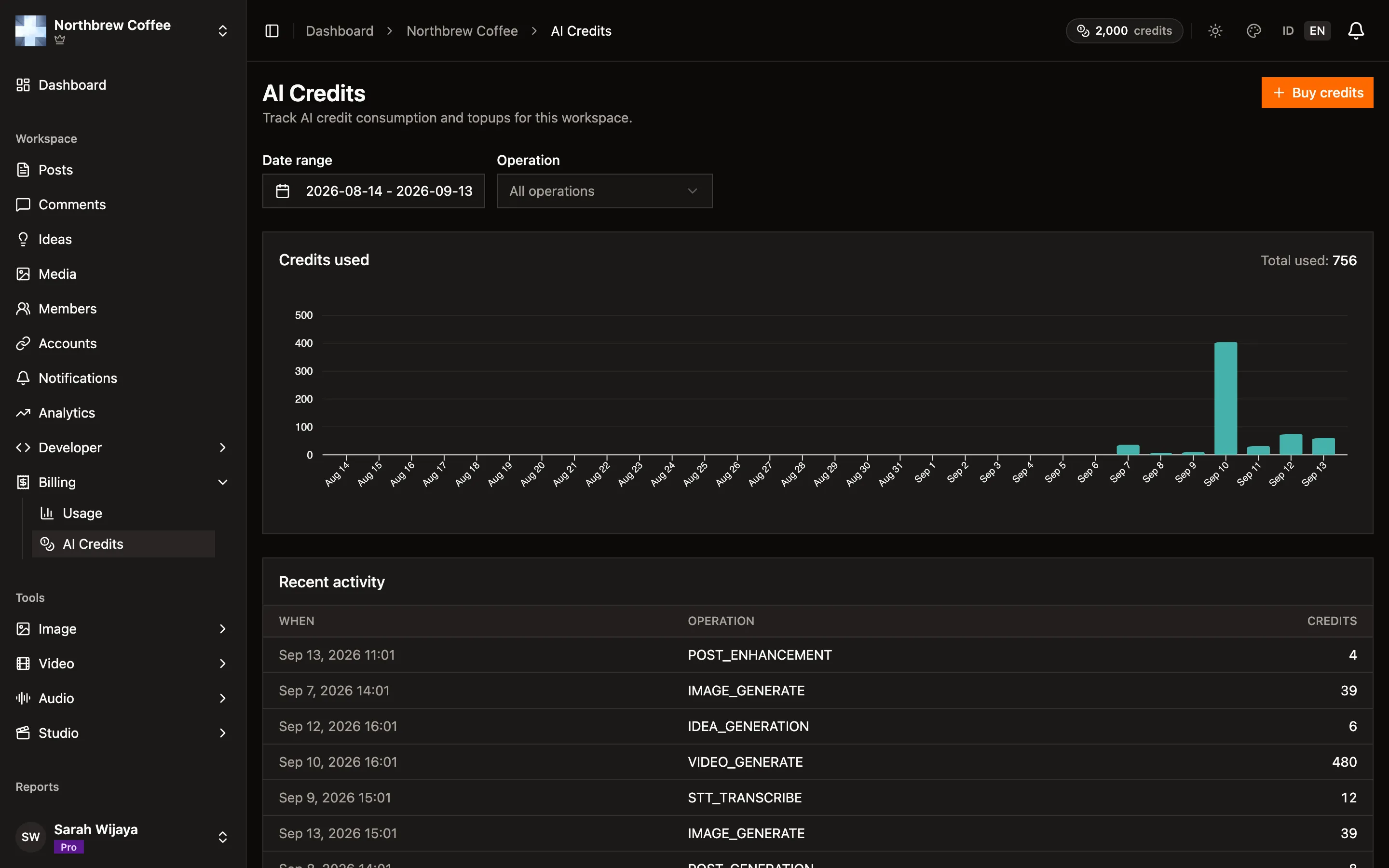
Section titled “The credits report”For a closer look at where credits went, open Reports then AI Credits. It’s for the account owner and covers every workspace you own. It’s on the paid plans. There’s also a per-workspace version under Billing then AI Credits in the workspace sidebar.
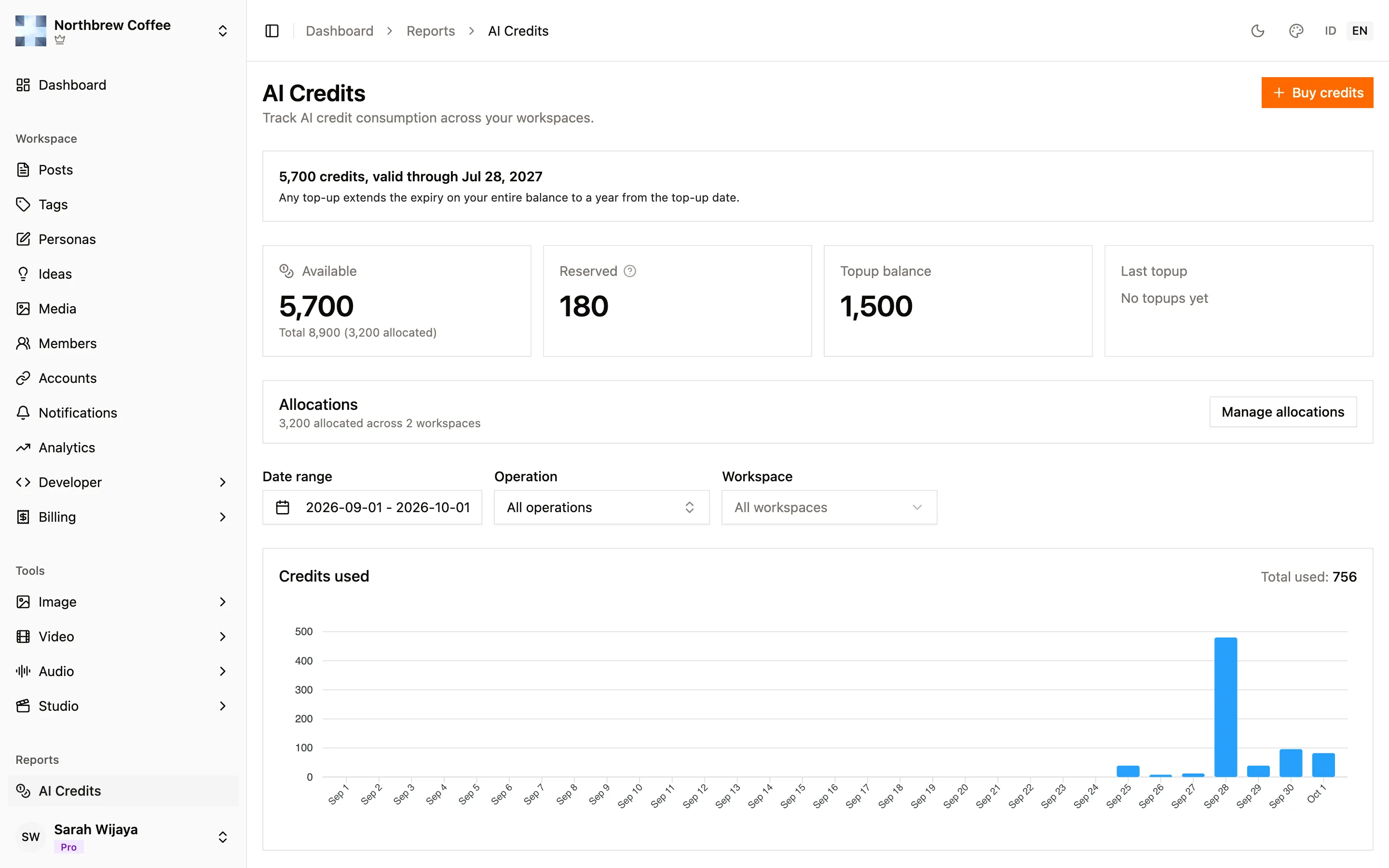
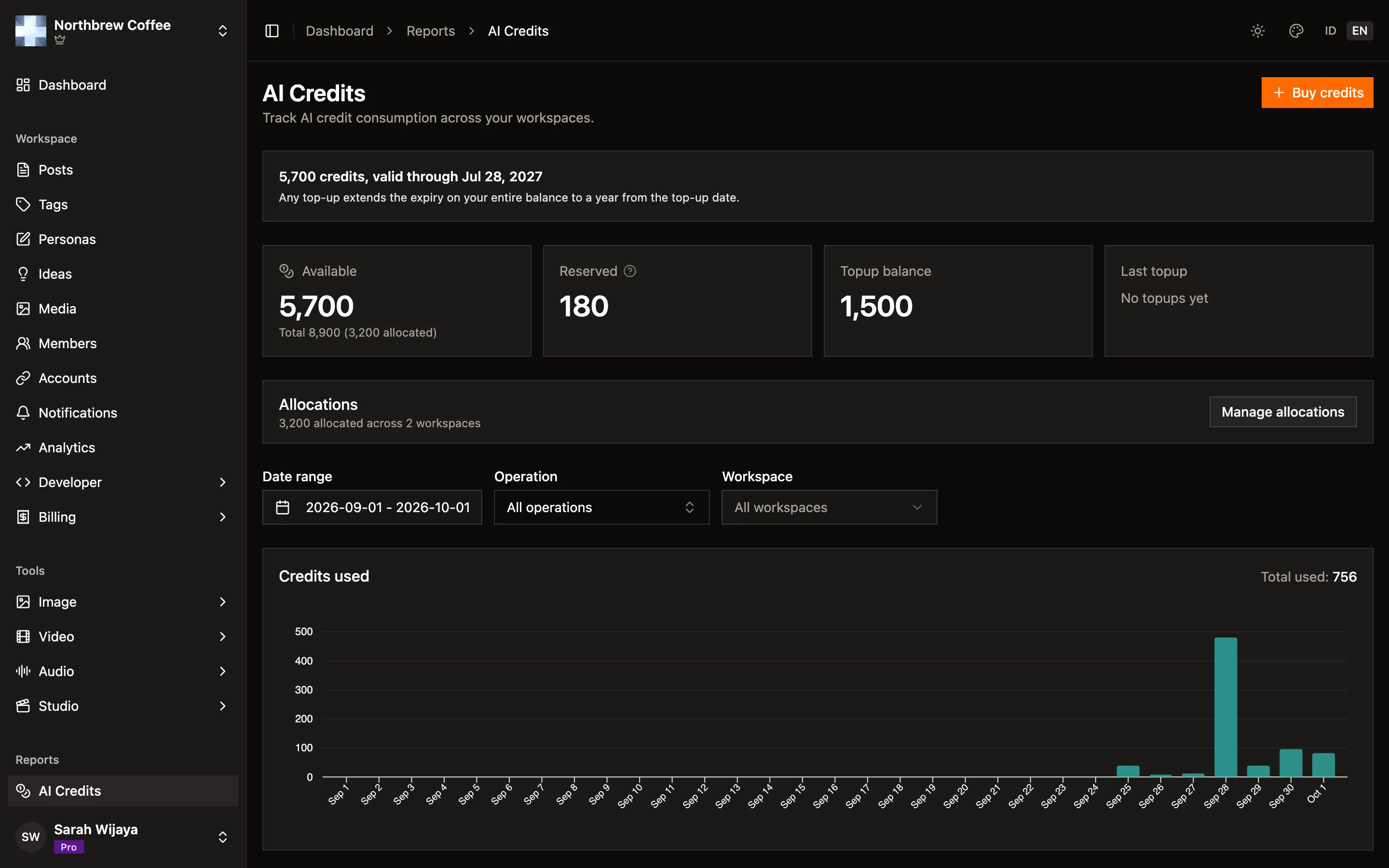
Three filters sit across the top:
- Date range, the last 30 days to begin with.
- Operation, to see one kind of job, like enhancing a post or a featured image. It has a search box, because the list is long.
- Workspace, when you own more than one.
Below them:
- Credits used, a chart of spend over the period with the total next to it.
- Recent activity, one row per job: when it ran, which tool, how many credits, and in which workspace.
- Topup history, every pack you bought or were given, with its source (purchase, voucher, refund or a grant from us). Each purchase has a receipt you can generate and download.
- Account history, the full trail of plan and credit changes on your account: what happened, how much the balance changed, and what it was afterwards. Handy when a number doesn’t add up.
Running out
Section titled “Running out”When the balance won’t cover a job, the tool says so before it starts instead of failing halfway through. From there you can top up, wait for your plan credits to reset with the next cycle, or return credits from an allocation you’re not using.
If a job did start and then failed, the reserved credits are released back to you. You’re charged for what actually generated, not for attempts.