
Inbox
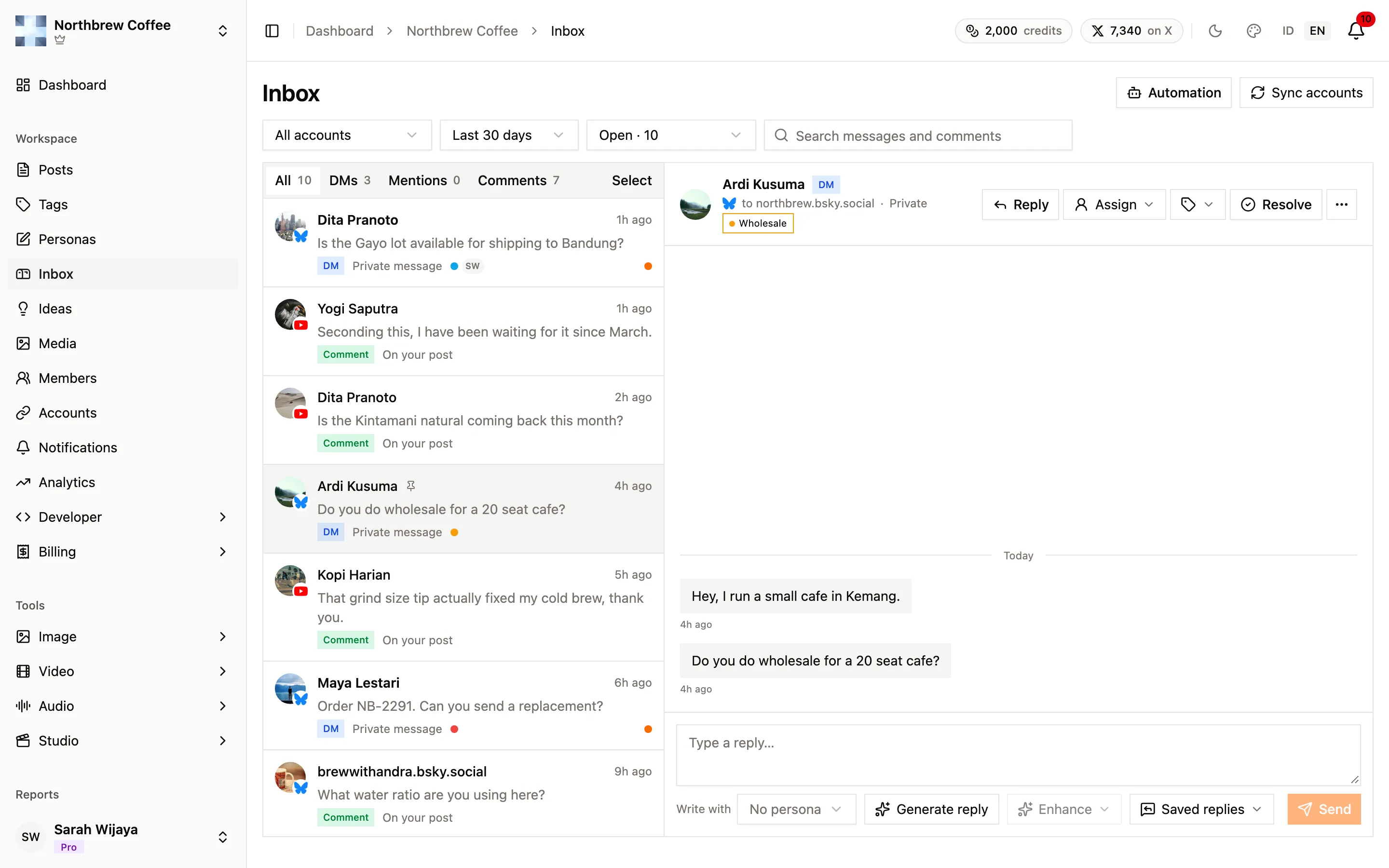
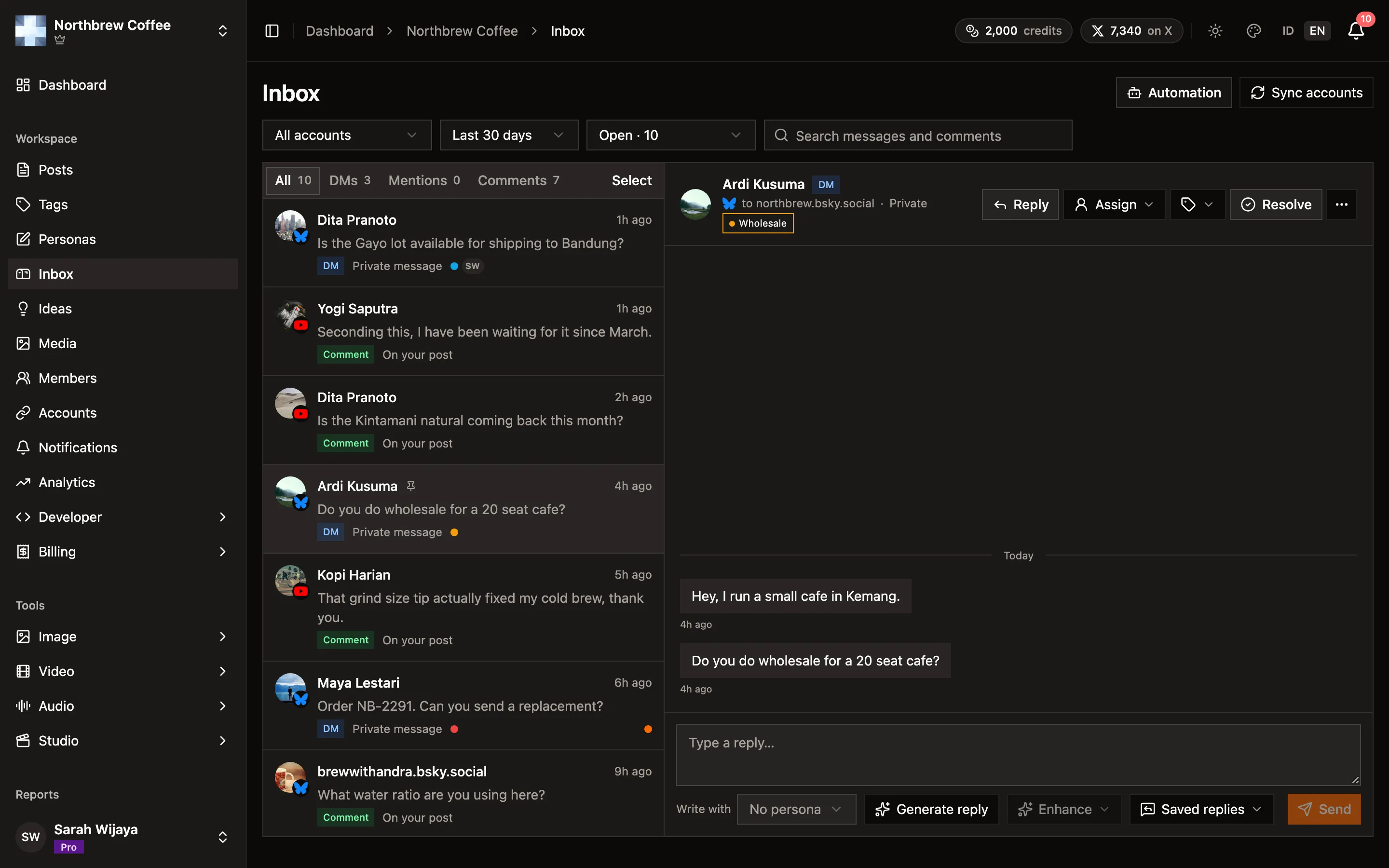
The Inbox is where people talking to you end up: direct messages and comments from your connected accounts, newest first, in one list. Open Inbox in the sidebar of a workspace. Pick something on the left and it opens on the right, with the reply box underneath.
Finding what needs you
Section titled “Finding what needs you”The tabs along the top split the feed by kind: All, DMs, Mentions, and Comments. Next to them, the view decides which items show:
- Open is the default, everything nobody has dealt with yet.
- Unreplied is open items you haven’t answered.
- Assigned to me is what a teammate handed you.
- Resolved and Archived are the ones that are done.
You can narrow it further by account, by date (the last 7, 30 or 90 days, all time, or a custom range), or by searching the text. All of this lives in the page address, so a link you send a teammate opens exactly the view you were looking at.
What comes in, per platform
Section titled “What comes in, per platform”| Platform | DMs | Comments | Like a comment | Attach to a reply |
|---|---|---|---|---|
| Bluesky | yes | reply, delete | yes | up to 4 images on comments |
| YouTube | no | reply, hide, delete | no | no |
| Discord | no | reply, delete | no | up to 2 images, GIFs or videos |
| Mastodon | no | reply, delete | yes | up to 4 images or GIFs |
| no | reply, delete | no | no | |
| X | on request, costs X credits | no | no | one image, GIF or video |
| TikTok, Pinterest | no | no | no | no |
Bluesky DMs are checked every few minutes, as long as the account’s app password allows direct messages (see Bluesky). Comments are checked on a schedule that depends on your plan, from every 15 minutes on Creator down to every minute on Agency. There’s also a Sync button if you don’t want to wait. Posts you published outside Publiz are picked up too, on every platform here with comments except X.
X DMs are different because X charges for every message read. They are off until you turn on Direct messages under the account’s Background syncing in Connected Accounts, and even then they only come in when you press Sync. Publiz tells you the price before it reads anything. See X for how the credits work.
Replying
Section titled “Replying”Type in the box and press Send, and the reply goes out from the account the message came to. Next to the box you’ll find:
- Saved replies, the same templates the comment automation uses.
- Attach, on the platforms in the table above that accept files.
- Enhance, which rewrites what you typed: improve it, shorten it, fix the grammar, or make it more casual or more professional. Each one shows its price in AI credits.
- Persona, to pick which writing voice the AI tools use.
Letting AI write the first draft
Section titled “Letting AI write the first draft”Generate reply reads the conversation and writes an answer for you to check. You can give it a hint, like “say sorry and offer a replacement”, or leave that empty. The menu shows the cost before you press Write it, and it’s a couple of credits. If the workspace runs on its own AI key, it’s free.
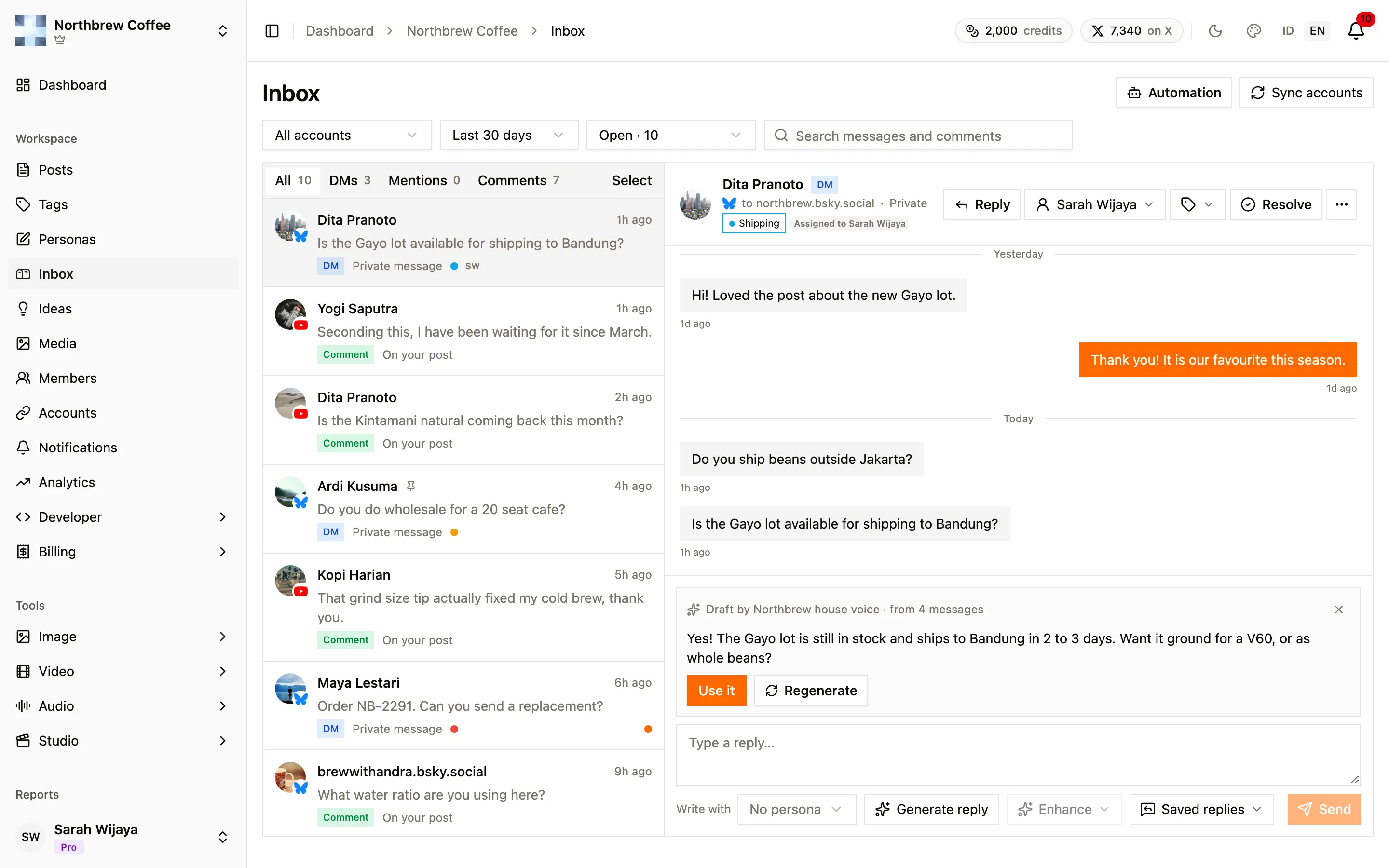
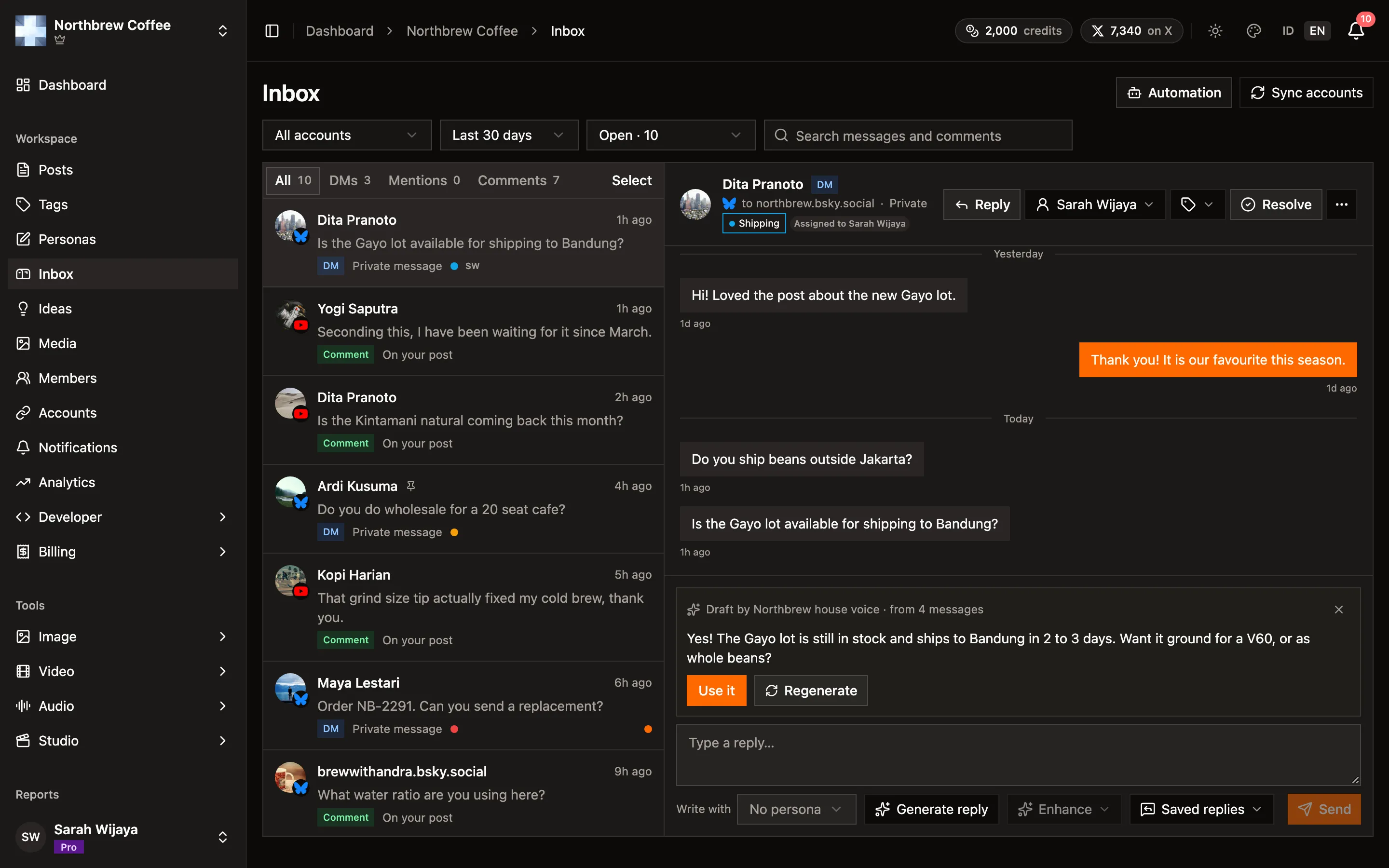
The draft appears as a card above the reply box, never straight into it, so it can’t overwrite anything you’ve typed. Use it moves it into the box, where you can edit it before sending. Regenerate tries again, and the cross in the corner throws it away. A draft is yours alone, teammates don’t see it, and it disappears after 7 days if you leave it.
Working through it as a team
Section titled “Working through it as a team”Nothing in this section is sent to the platform. It’s all for you and your team.
- Resolve an item when it’s dealt with, or Archive it if it never needed an answer. A DM that gets a new message goes back to Open by itself. A comment stays where you put it.
- Assign an item to a teammate who has access to the Inbox. They get a notification, and it shows up under their Assigned to me.
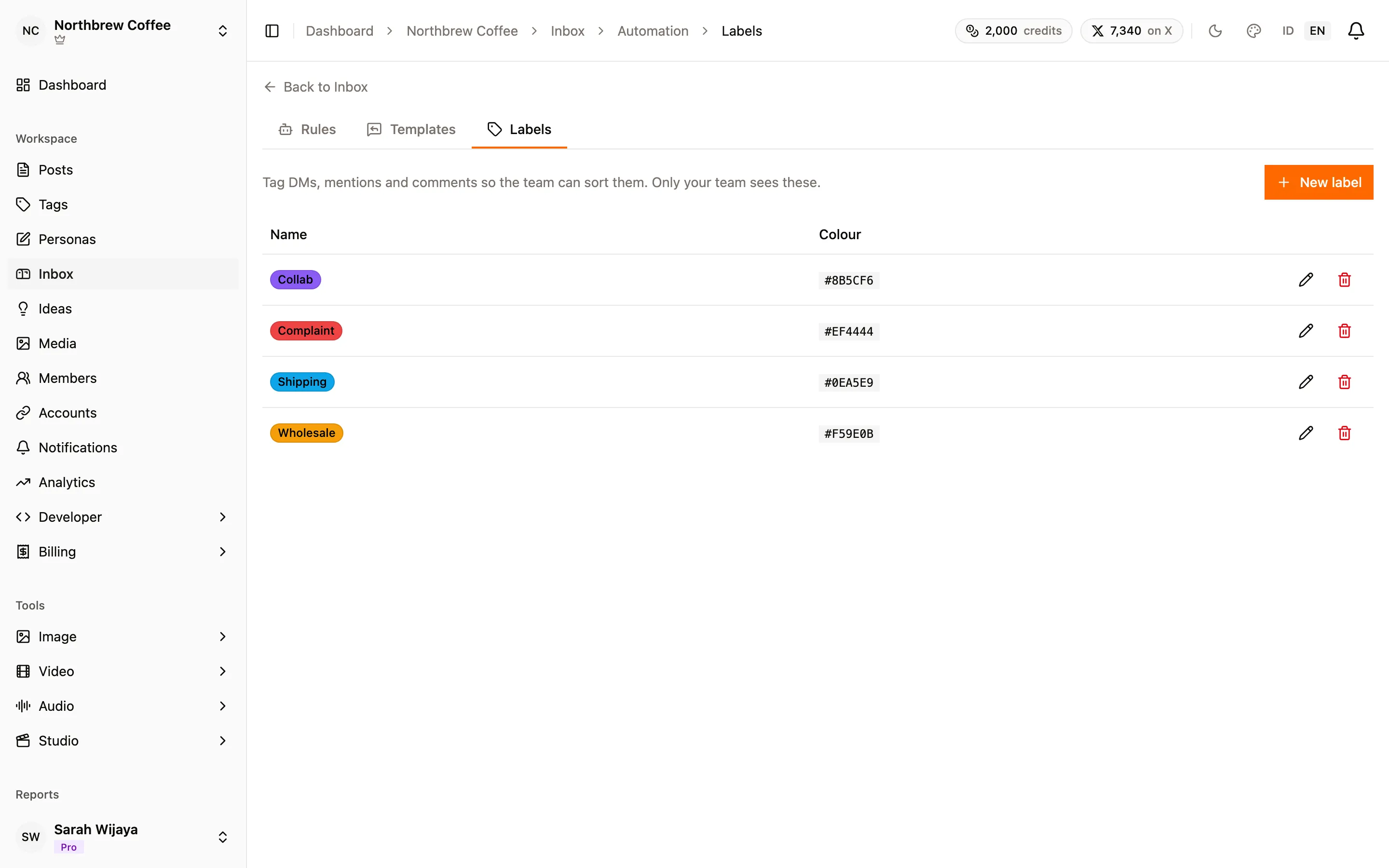
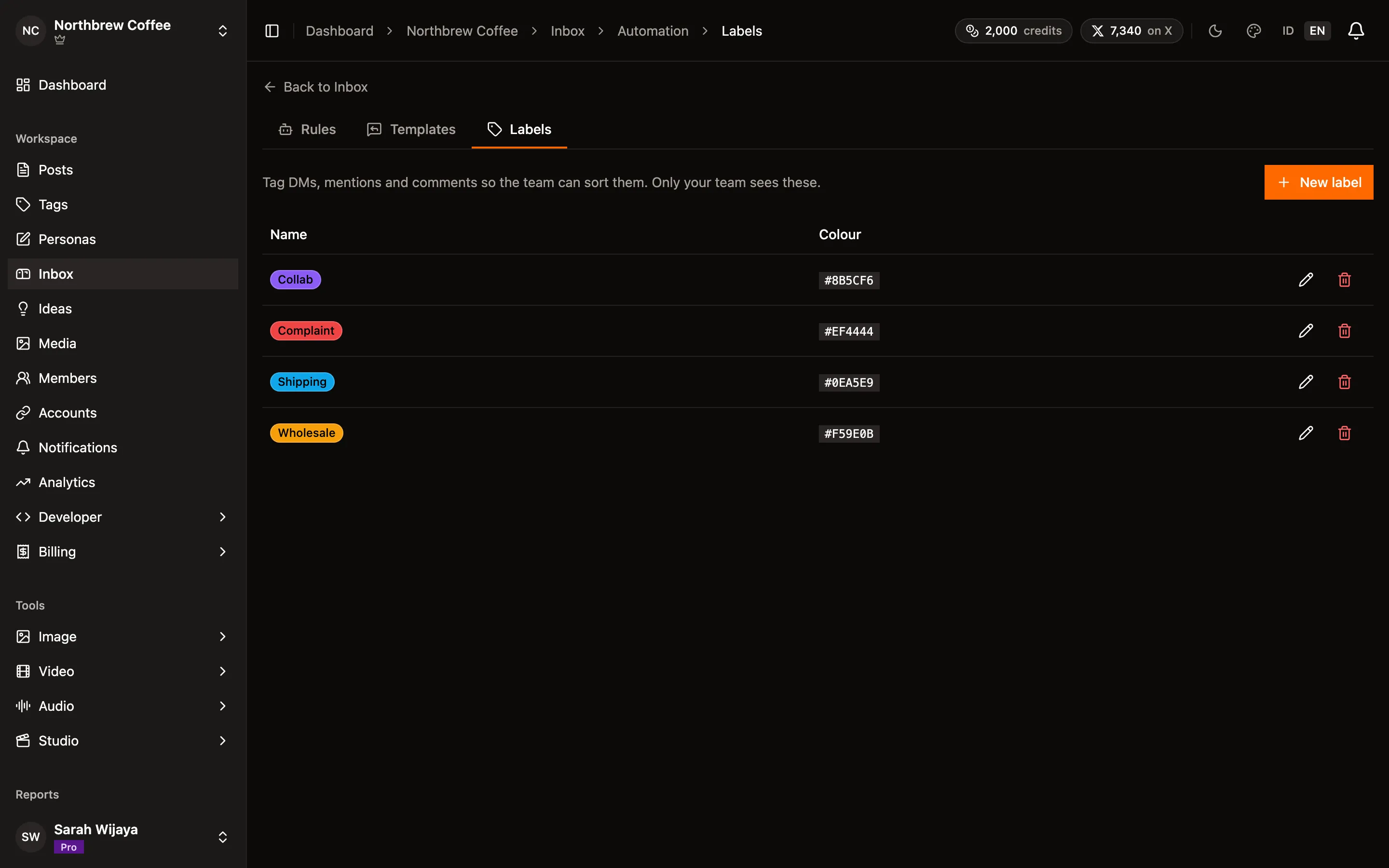
- Labels tag items so they’re easy to filter, like Wholesale or Complaint. A workspace can have up to 50, managed under Inbox → Automation → Labels.
- Pin keeps something in sight. On the DMs and Comments tabs pins sit in a block at the top, and on All they keep their place with a pin icon. Up to 20 of each kind.
- Mark unread puts a DM back in bold for later.
- Tick several items to resolve, archive or pin them together. Comments can also be hidden or deleted in bulk, up to a number your plan sets.
Notifications
Section titled “Notifications”New items show up in the notification bell. A new DM goes to everyone who can open the Inbox, unless it’s assigned, in which case only the assignee hears about it. A comment on a post written in Publiz goes to whoever wrote the post. A busy conversation won’t ping you more than once every 15 minutes.
On your plan
Section titled “On your plan”The Inbox comes with Creator, Pro and Agency. On Free and Starter the page shows what it does and how to upgrade. Paid plans also pull in comments on your older posts when you connect an account: the last 30 days on Creator, 90 on Pro, and a year on Agency.
To give a teammate access, switch on the Inbox permission for them under Settings → Members. See workspaces and members.