
Comments and automation
Comments from your connected accounts are collected in the Inbox, so you can work through them without opening each platform in turn. Open Inbox in the sidebar of a workspace and pick the Comments tab.
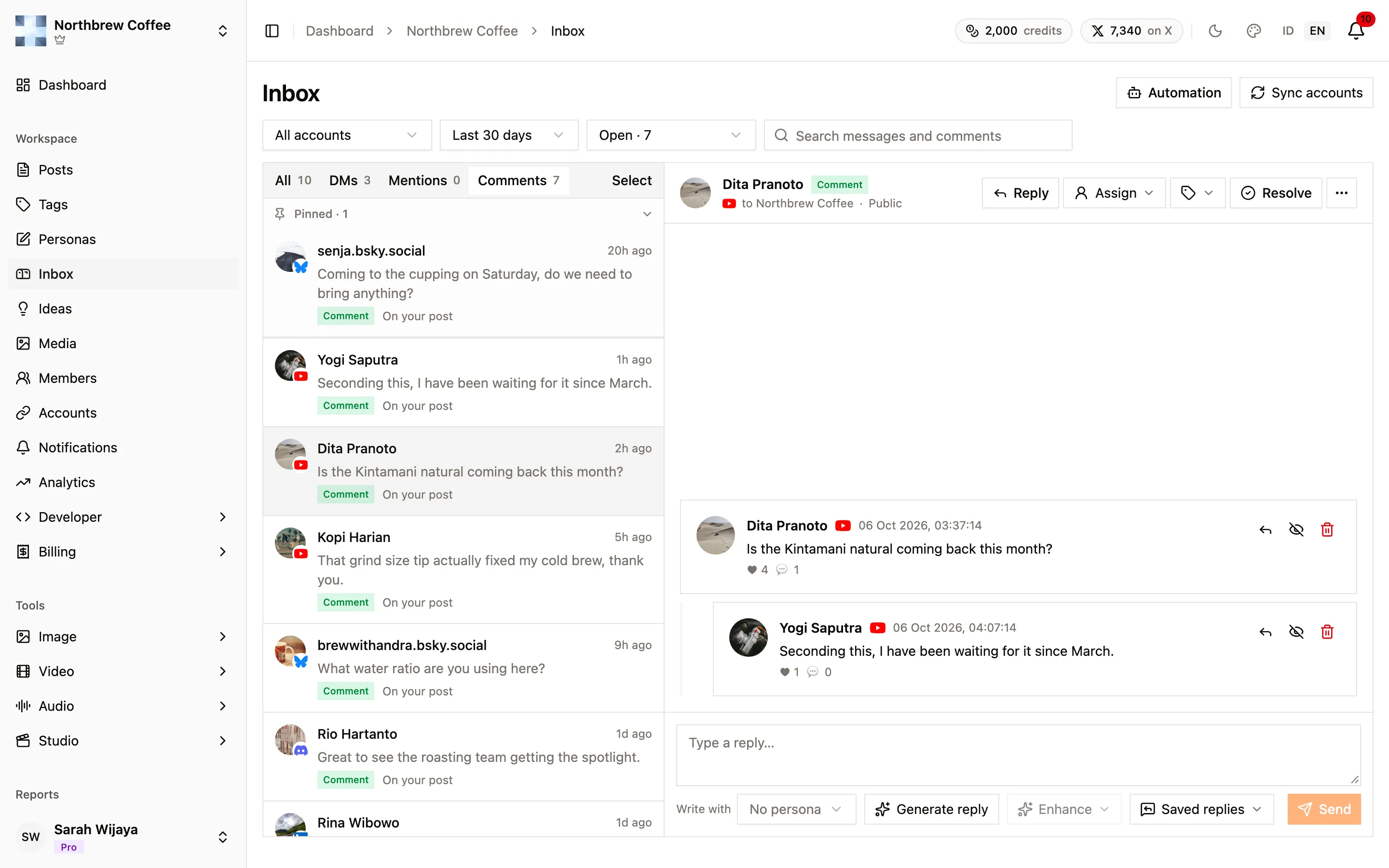
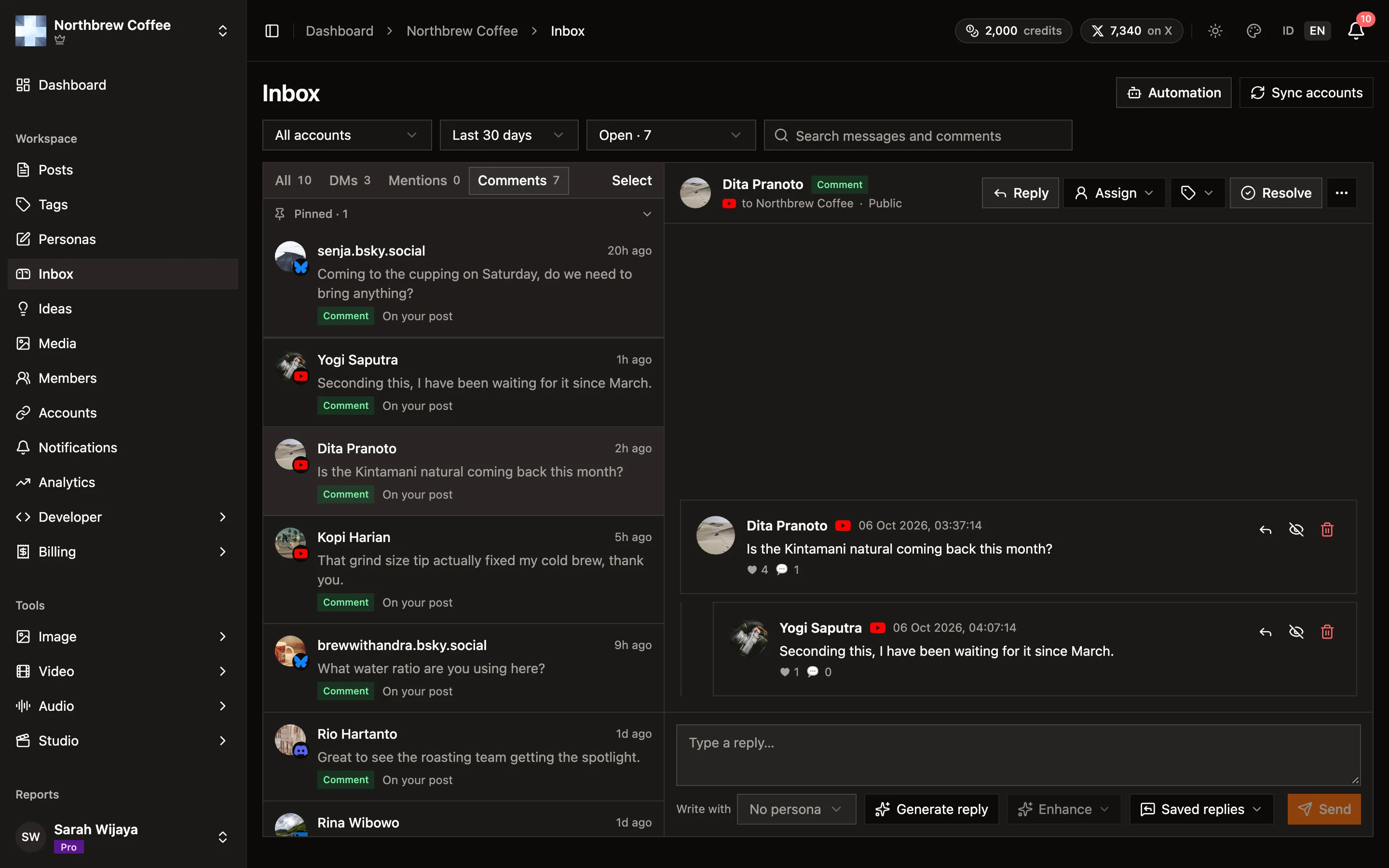
What you can do, per platform
Section titled “What you can do, per platform”Platforms differ in what they let an app do with comments, and the difference is not a Publiz setting you can change.
| Platform | Read | Reply | Hide | Delete |
|---|---|---|---|---|
| YouTube | yes | yes | yes | yes |
| Discord | yes | yes | no | yes |
| Bluesky | yes | yes | no | yes |
| Mastodon | yes | yes | no | yes |
| yes | yes | no | yes | |
| TikTok | no | no | no | no |
| no | no | no | no | |
| X | no | no | no | no |
| DEV | no | no | no | no |
| WordPress | no | no | no | no |
Hiding leaves a comment in place but keeps it out of public view, which is usually the kinder option for something borderline. Only YouTube supports it. Everywhere else your options are to reply or to delete. On Bluesky and Mastodon you can also like a comment, which is a nice way to say thanks without writing anything.
TikTok and Pinterest do not expose comments to apps at our access level, so their posts show up in your reports but their comments do not reach this list. You will need to handle those in the platform’s own app.
X replies do not reach this list either, for a different reason: X charges per request, so reading a conversation costs credits. Replies happen on X itself for now. See X for what the channel does spend credits on.
Discord needs its optional bot added to the server before comments come through. Without it, the account still publishes fine, it just cannot read the conversation.
Automating the repetitive ones
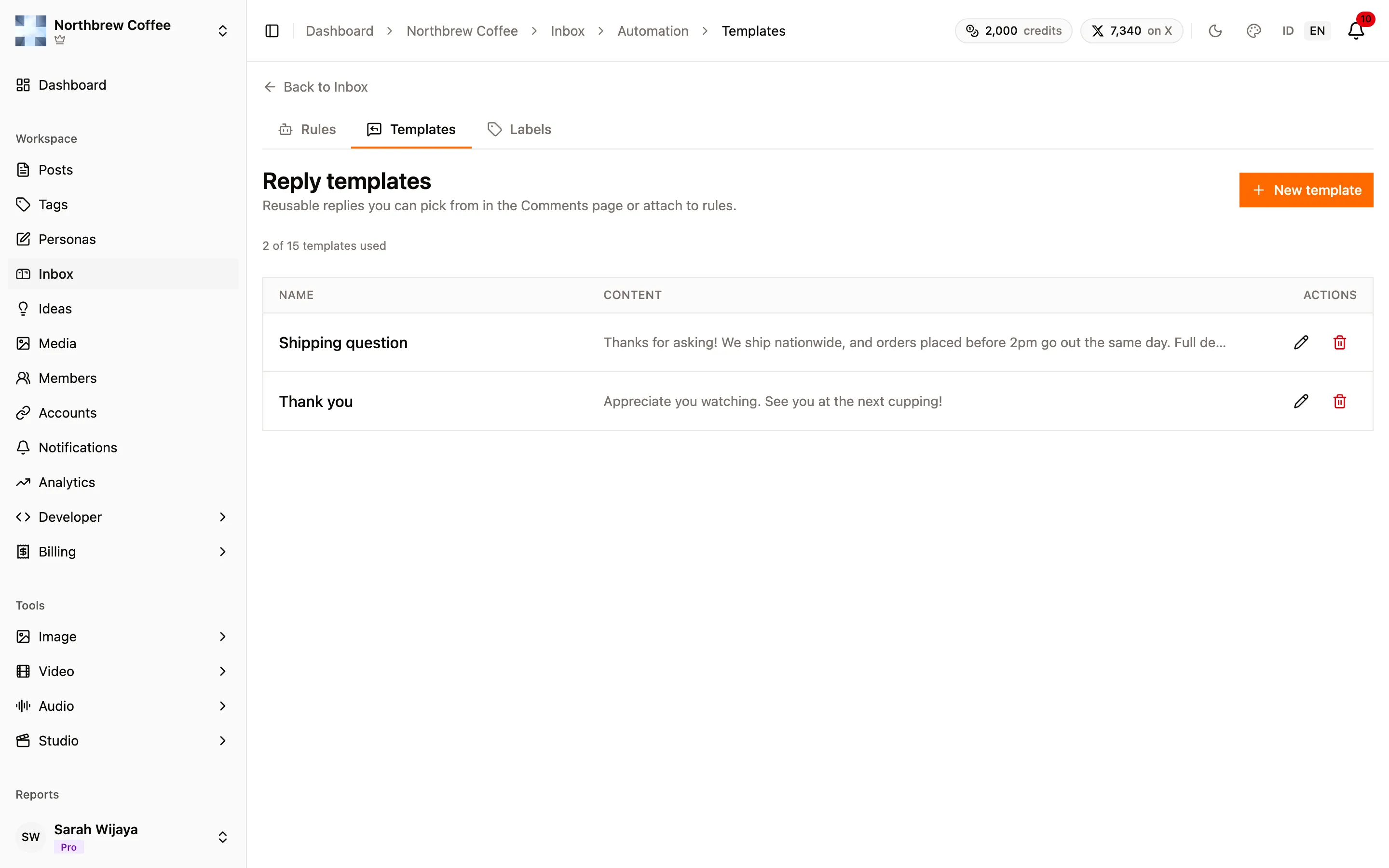
Section titled “Automating the repetitive ones”The same three questions come in under every post. Inbox → Automation lets you answer them without being there, with two pieces: templates and rules. The third tab there, Labels, is for sorting the Inbox by hand.
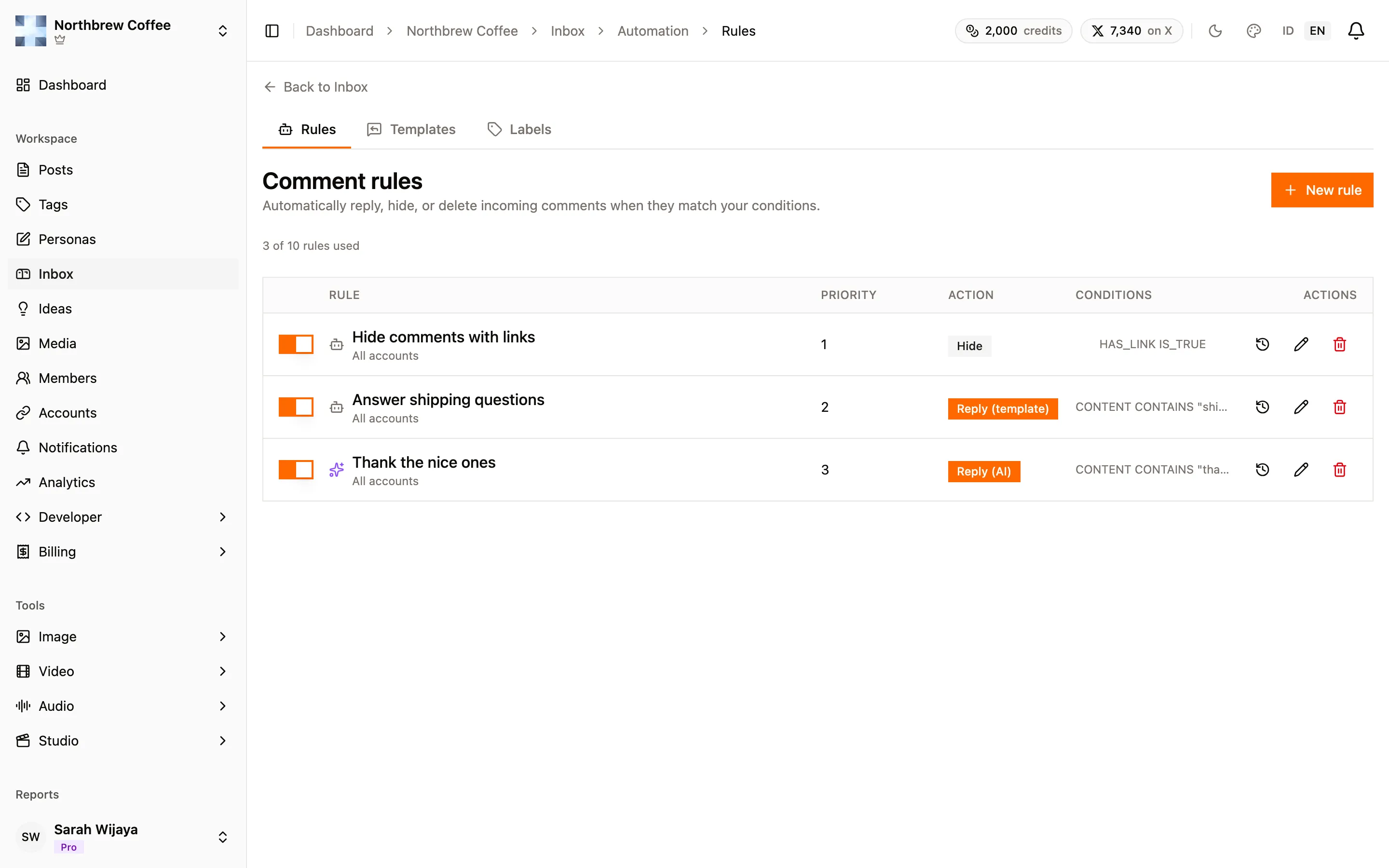
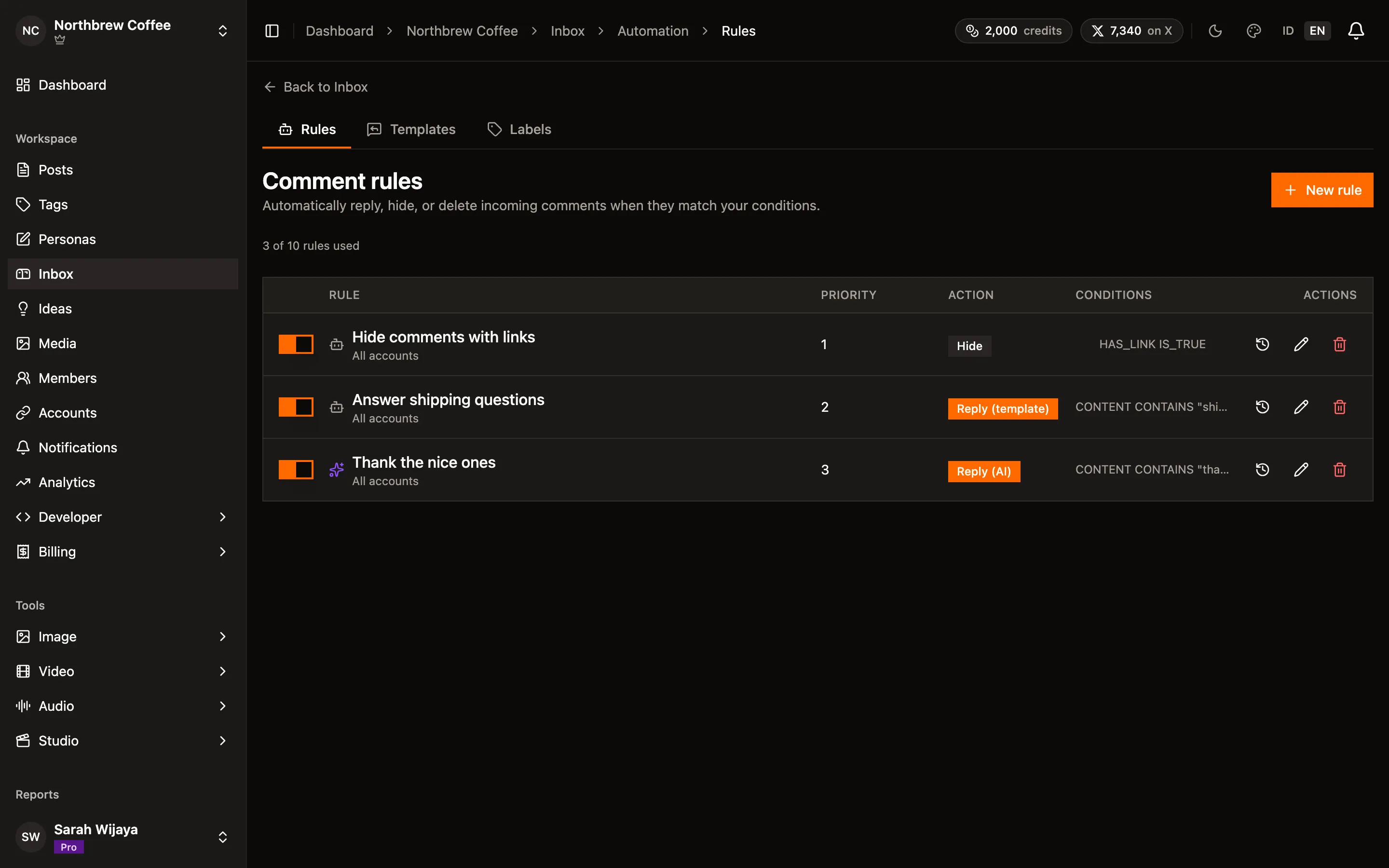
A template is a canned reply you write once and reuse. A rule watches incoming comments and does one thing when they match.
Each rule has conditions, a priority, and an action. Rules run in priority order and the first match wins, so put the narrow ones above the broad ones.
Conditions can look at the comment’s content, the author’s name, its language, or whether it has a mention, a hashtag, or a link. For text there is the full set of comparisons: contains, starts with, ends with, equals, the negated versions of each, in a list, matches a regular expression, and longer or shorter than a length.
The action is one of four:
- Reply with a template posts one of your saved replies.
- Reply with AI writes a fresh reply from instructions you give it, so it can answer in the commenter’s own language. This one spends AI credits.
- Hide takes the comment out of public view, on the platforms that support it.
- Delete removes it.
You can also scope a rule to specific accounts, so a rule that makes sense on YouTube doesn’t fire on Discord. How many rules you can keep depends on your plan, and the page shows the count against your limit above the list.
Three rules worth stealing
Section titled “Three rules worth stealing”Hide anything with a link. Condition: has a link is true. Action: hide. This is the one that handles most spam, and hiding rather than deleting means you can still review it later. Hiding only works on YouTube, so scope the rule to your YouTube account, or make a second one that deletes instead on the other platforms. A hide rule that matches a comment somewhere hiding doesn’t exist leaves the comment up and shows the run as failed in the rule’s History.
Answer the question you always get. Condition: content contains “shipping”. Action: reply with your shipping template. Write the template once, and the answer arrives in seconds rather than tomorrow.
Thank people properly. Condition: content contains “thank”. Action: reply with AI, instructed to answer in one short sentence in the same language as the comment. A template would say the same thing every time, which reads worse than saying nothing.
Start with the rules switched on for one account and read what they did for a day before pointing them at everything. An automation that replies confidently to the wrong comment is worse than a slow reply. The history button on each rule shows what it did and to which comment, so that day of reading takes a minute.